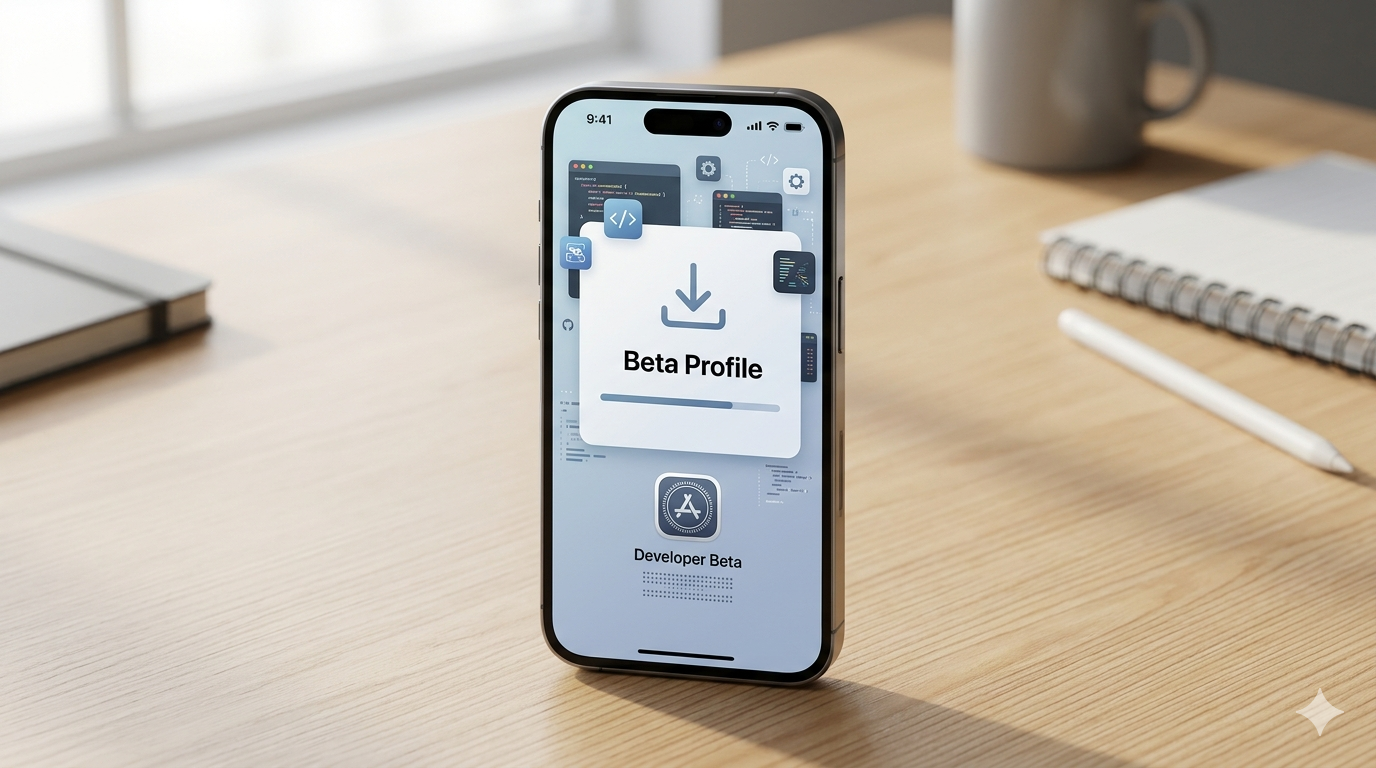
HowToForYou.com – Apple has officially pulled back the curtain on iOS 27 following its annual WWDC 2026 keynote, giving users an early look at what’s next for the iPhone. While the polished public release is still months away, a developer beta is already available for those willing to test new features ahead of time.
This early access version isn’t just for engineers anymore. Apple has quietly made the process more accessible, meaning anyone curious enough can try it. Still, there are a few important considerations before jumping in.
Why You Might Want to Wait Before Installing
Before getting into how to install iOS 27, it’s worth understanding what you’re signing up for.
Developer betas are, by design, unfinished. Bugs, performance issues, and app compatibility problems are common. If your iPhone is your primary device, installing early software can disrupt daily use. Apple is expected to release a public beta soon, which typically offers improved stability, followed by the final rollout alongside the anticipated iPhone 18 launch in September.
If you’re comfortable with some risk, though, the developer beta offers a first look at features that haven’t fully matured yet.
How to Prepare Your iPhone
Before installing any beta software, preparation matters more than the installation itself.
Start by backing up your device. Use iCloud or a local backup through Finder or iTunes. This ensures that if anything goes wrong, you can restore your data without permanent loss.
Also, make sure your device has sufficient battery life and a stable Wi-Fi connection. Beta updates tend to be large and can take time to install.
How to Enroll in the Apple Developer Program
To access the beta, you’ll need to register with Apple Developer Program.
The enrollment process is straightforward:
- Visit the official Apple Developer enrollment page
- Sign in using your Apple ID
- Complete basic personal details such as name and address
- Select “Individual” as your entity type (for most users)
- Agree to Apple’s terms
Interestingly, Apple allows access to developer betas through a free tier. While there is a paid option, it’s not required for simply downloading beta software.
Alternatively, you can enroll directly through the Apple Developer app, which simplifies the process on your device.
How to Install iOS 27 Developer Beta
Once your account is set up, installing the beta is relatively simple:
- Open Settings on your iPhone
- Tap General
- Select Software Update
- Tap Beta Updates
- Choose iOS 27 Developer Beta
After selecting the beta, your device will check for the update. When it appears, tap download and follow the on-screen prompts.
Your iPhone will restart during installation, and the entire process may take some time depending on your internet speed and device model.
What Makes iOS 27 Worth Exploring
While Apple didn’t reveal every detail during WWDC, early builds suggest improvements in on-device intelligence, interface customization, and tighter ecosystem integration.
Testing the developer beta gives users a preview of how Apple is positioning the next generation of iPhone software, especially as competition in mobile AI continues to grow.
Final Thoughts
Learning how to install iOS 27 developer beta is relatively easy, but deciding whether you should install it is a different question. For developers and tech enthusiasts, early access can be exciting and useful. For everyone else, waiting for a more stable release may be the smarter move.
If you do proceed, treat it as an experiment rather than a daily-driver upgrade. The best experience will still come when iOS 27 officially launches later this year.