Table of contents:
- Why Credential Leaks Still Matter Years Later
- How To Check Whether Your Accounts Are at Risk
- How To Secure Your Email First
- How To Eliminate Password Reuse
- How To Detect Hidden Malware on Your Devices
- How To Strengthen Your Long-Term Digital Security
- The Bigger Picture: Why Credential Theft Is Growing
- Final Thoughts
HowToForYou.com – A massive trove of stolen login credentials has resurfaced online, exposing the scale of modern cybercrime and the fragile state of digital security. Security researchers recently identified a publicly accessible database containing more than 149 million compromised accounts, with tens of millions linked to major platforms like Gmail and social media services.
While the dataset appears to be compiled from older breaches rather than a single new hack, its discovery highlights a critical reality: stolen credentials never really disappear. Once leaked, they circulate indefinitely, fueling account takeovers, identity fraud, and targeted cyberattacks.
Here is how to understand the risks and take concrete steps to protect your accounts before criminals exploit them.
For You :
Why Credential Leaks Still Matter Years Later
Many people assume that if a breach happened years ago, the danger has passed. In reality, stolen data often becomes more valuable over time.
Cybercriminals aggregate information from multiple breaches, malware logs, and phishing campaigns. When combined, these datasets create detailed digital profiles that can reveal where you have accounts, what services you use, and even behavioral patterns.
This makes credential leaks more than just a password problem. They are a blueprint for social engineering, phishing, and identity theft.
For You :
How To Check Whether Your Accounts Are at Risk
The first step is awareness. You cannot fix a problem you do not see.
Key actions:
- Check whether your email address has appeared in known breaches using reputable breach-monitoring tools.
- Review login alerts and recent activity on critical accounts such as email, banking, and social media.
- Look for unusual login locations, unfamiliar devices, or repeated failed attempts.
Even if you find no immediate signs of compromise, assume that older passwords may already be exposed.
For You :
How To Secure Your Email First
Email accounts are the primary target because they act as a gateway to other services.
Start with these steps:
- Change your email password immediately, using a long and unique passphrase.
- Enable multi-factor authentication (MFA) using an authenticator app rather than SMS when possible.
- Review recovery options, backup emails, and phone numbers to ensure they have not been altered.
If attackers control your email, they can reset passwords for nearly every other account you own.
For You :
How To Eliminate Password Reuse
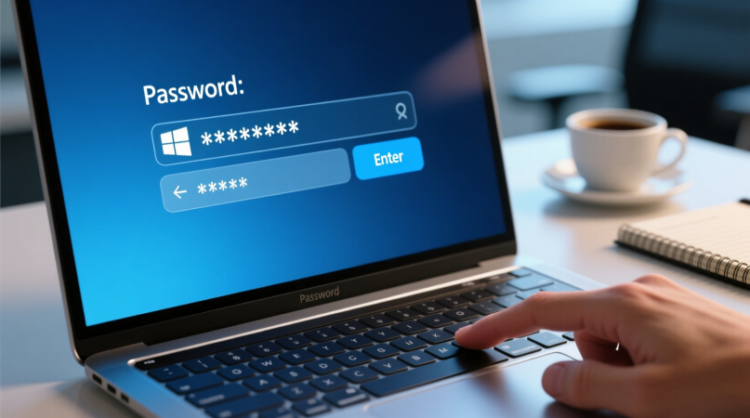
One of the biggest vulnerabilities is password reuse. If the same password is used across multiple platforms, a single leak can compromise everything.
Best practices:
- Create a unique password for each important account.
- Use a password manager to generate and store complex passwords securely.
- Replace weak or repeated passwords starting with critical services like email, cloud storage, and financial accounts.
Think of passwords like keys. Reusing one key for every door makes it easy for intruders.
For You :

How To Detect Hidden Malware on Your Devices
Credential theft often begins with malware, not hacking.
Malicious software can capture keystrokes, steal browser data, or intercept login sessions. Simply changing passwords will not help if the device itself is compromised.
What to do:
For You :

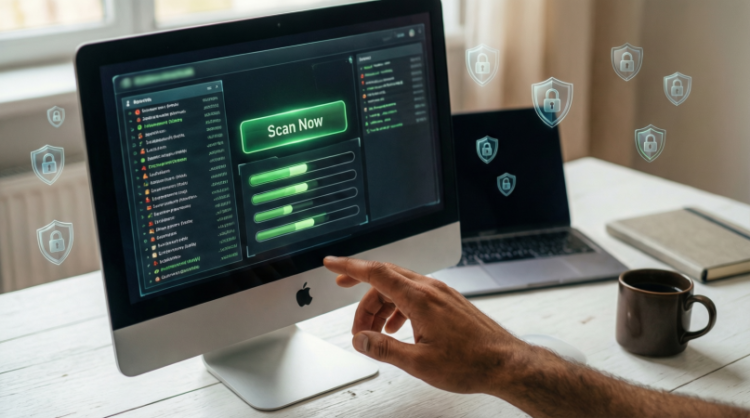
- Update your operating system and applications to the latest versions.
- Install reputable security software and run a full scan.
- Remove suspicious browser extensions and unknown programs.
- Review app permissions, especially on mobile devices.
If malware is present, clean the device before changing passwords again.
How To Strengthen Your Long-Term Digital Security
Protecting your accounts is not a one-time fix. It requires ongoing habits.
Build a stronger security routine:
For You :
- Enable MFA on all major accounts.
- Monitor account activity regularly.
- Avoid clicking suspicious links or downloading unknown attachments.
- Use separate email addresses for critical accounts and public registrations.
- Keep backups of important data in secure locations.
These habits reduce the impact of future breaches, even if your data appears in another leaked dataset.
The Bigger Picture: Why Credential Theft Is Growing
The exposure of massive credential databases reflects a broader shift in cybercrime. Instead of targeting individuals one by one, attackers now operate at industrial scale, using automated tools and stolen datasets to maximize impact.
Ironically, even cybercriminals sometimes fail to secure their own infrastructure, leading to the discovery of large troves of stolen data. But once exposed, such datasets are often copied and redistributed, making them impossible to fully contain.
For You :
For users, this means one thing: digital security is no longer optional.
Final Thoughts
The latest discovery of millions of leaked credentials is not just another cybersecurity headline. It is a reminder that every online account carries long-term risk.
By understanding how credential leaks work and taking proactive steps today, you can significantly reduce the chances of account takeover, identity theft, and privacy violations tomorrow.
For You :
In a world where stolen data never truly disappears, strong digital habits are the most reliable defense.
For You :
